 Rhine-o
Team Shake Plus & Subscriptions
Team Shake Plus is Team Shake’s optional subscription. It adds:
- Team Shake Web: manage teams, players and history from any browser
- Sync across iOS, Android and the web
- Tournament brackets
- More advanced tools, added regularly
Everything Team Shake already does on your device, Team Shake Classic, stays as it is, without a subscription.
Plans and free trials
Plus is offered as a yearly or a monthly plan. New subscribers may be offered a free trial: currently 14 days on the yearly plan and 3 days on the monthly plan. Prices are shown in the app, or at checkout on the web, in your local currency, and they can differ by country and region. The plan screen always shows what applies to you.
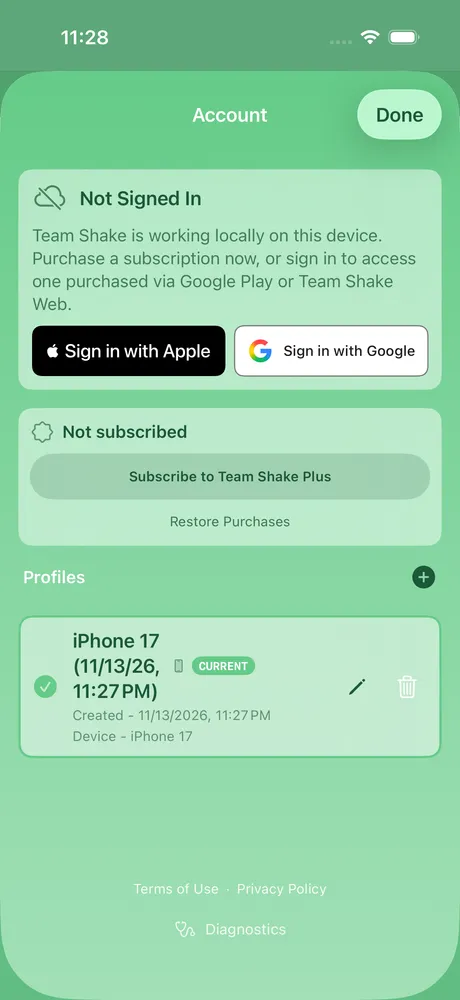
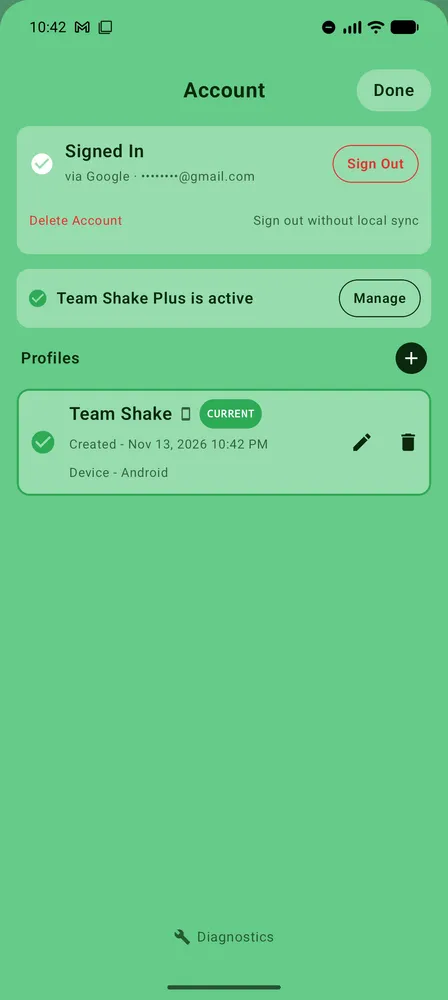
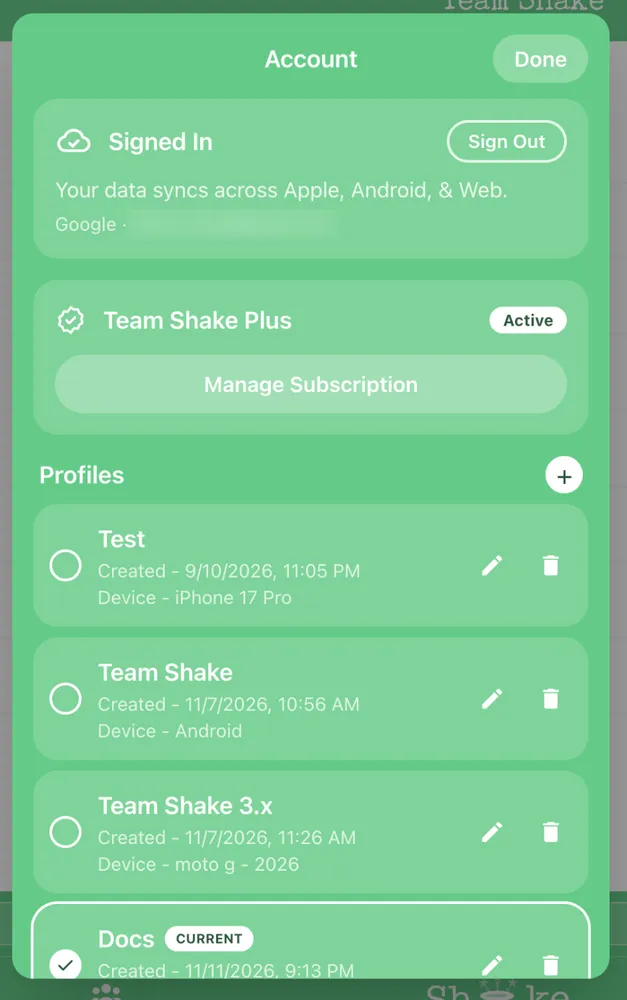
The Account screen: sign in, see your subscription status, and subscribe or restore.
If you start a trial, it becomes a paid subscription at the end unless you cancel at least 24 hours before it ends. Subscriptions renew automatically. See our Terms of Use for the details.
Managing or canceling your subscription
Billing is handled by the store you subscribed from. Cancel or change your plan there:
- iOS: your Apple ID subscription settings, or Manage in the app’s Account screen
- Android: Google Play, under Payments & subscriptions
- Web: the subscription management link in the web app’s account screen
Because billing is handled by Apple, Google, or our subscription provider, we never see your card details, only whether a subscription is active. Deleting the app or your account doesn’t cancel the subscription.
Using Plus on a new device
Sign in with the same Apple or Google account you used before, and your Plus status applies automatically, so a subscription bought on Android or the web unlocks Plus on iOS too, with no need to buy again.
- iOS and Android: you can also tap Restore Purchase(s) on the Account or subscription screen.
- Web: after subscribing, press I’ve subscribed — Check again.
Questions about billing
Email support@rhine-o.com with the email on your Team Shake account and the platform you subscribed on (Apple, Google or web), and we’ll help sort it out.