 Rhine-o
Team Shake help & docs
Everything you need to build fair teams, keep your lists in sync, and get the most out of Team Shake on iOS, Android, and the web.
Start here
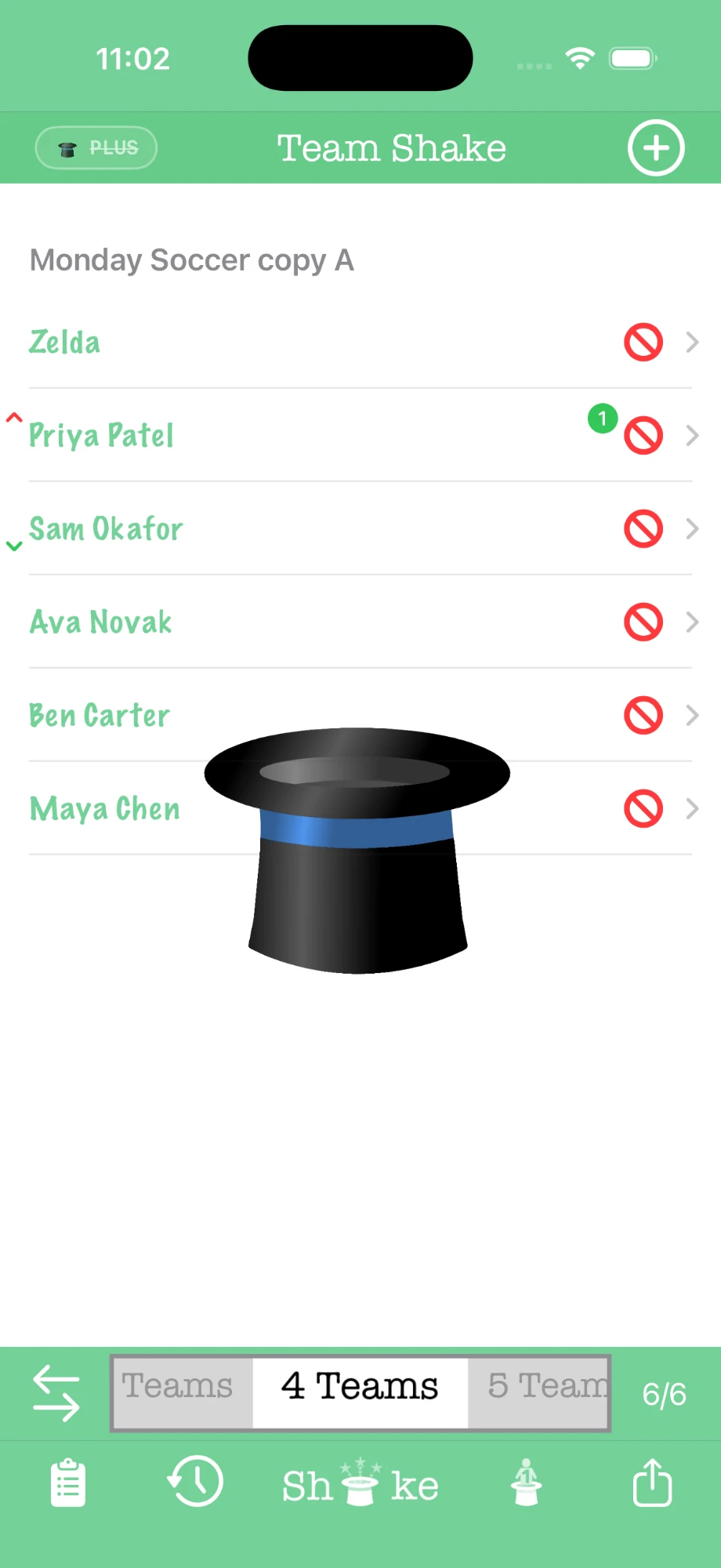
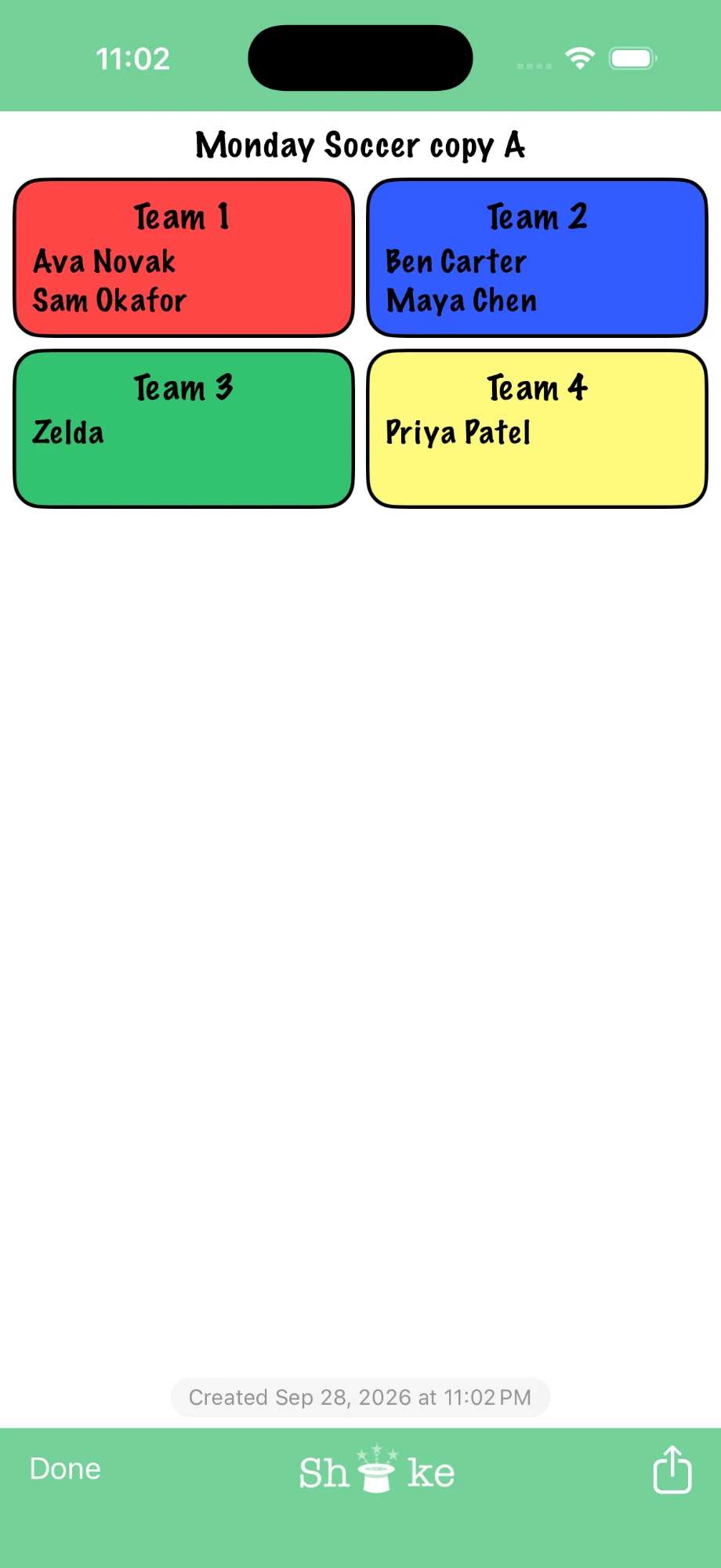
Getting started Add players, pick the number of teams, and shake your first teams.
Syncing across devices Sign in with Apple or Google so your lists follow you to iOS, Android, and web.
Importing lists Bring in a class roster from a spreadsheet or text file.
Advanced team scenarios Balanced, gender-split, and keep-together or keep-apart teams.
Team Shake Plus Web app, sync, tournament brackets, and how subscriptions work.
Platform differences What works differently on iOS, Android, and the web.
FAQ Quick answers to the questions we hear most.
What’s released and what’s coming
These docs cover Team Shake on iOS, Android, and the web together. Team Shake’s core team-generation features (shake to create teams, balanced or random generation, saved lists, and sharing) are the same on all three. Cross-device sync and Team Shake Plus tie them to one account. Where something works differently, the page says so, and the Platform differences page lists them all in one place.
Need help beyond what’s documented here? Email support@rhine-o.com.