 Rhine-o
The fast, fair, technology-friendly way to choose teams.
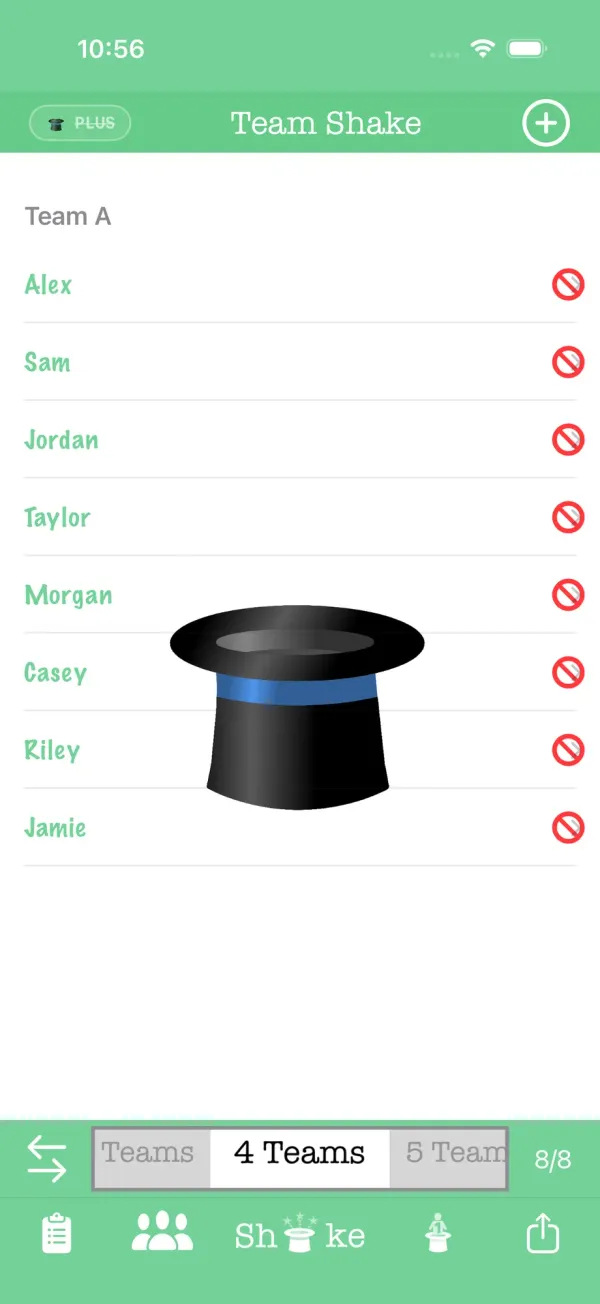
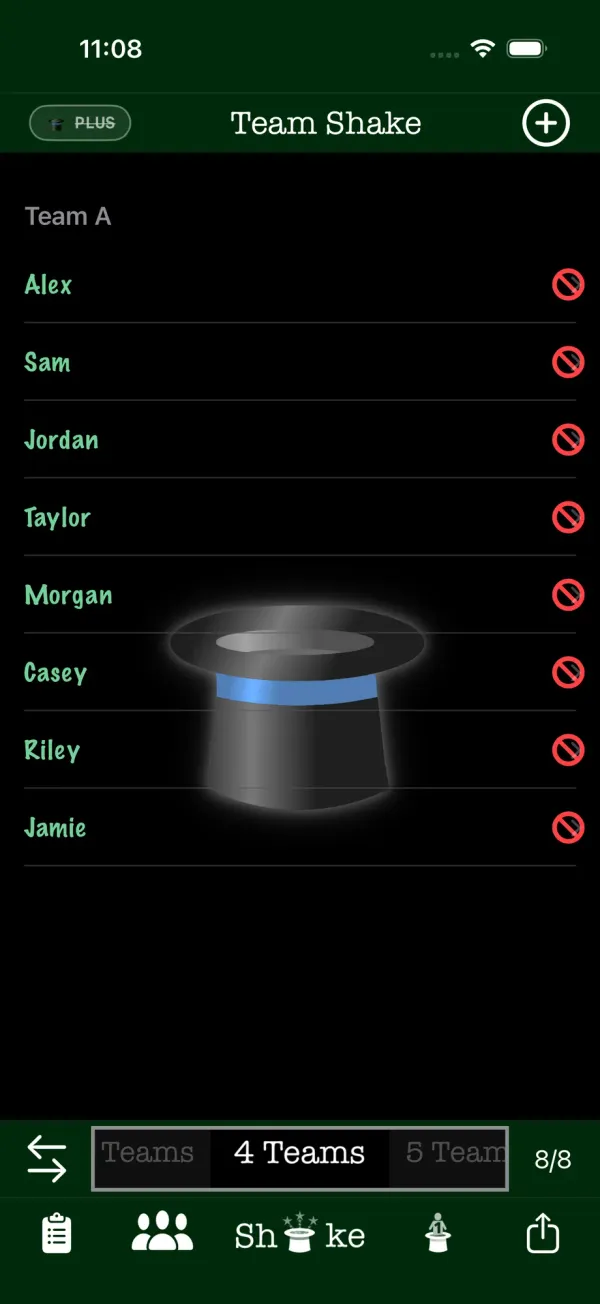
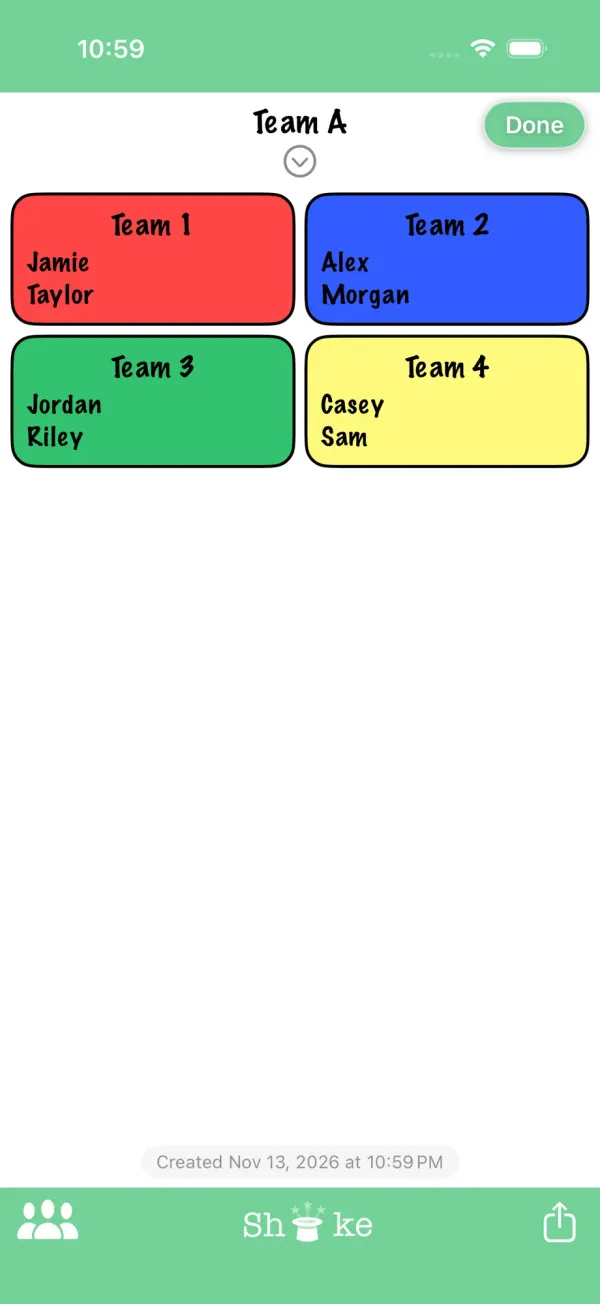
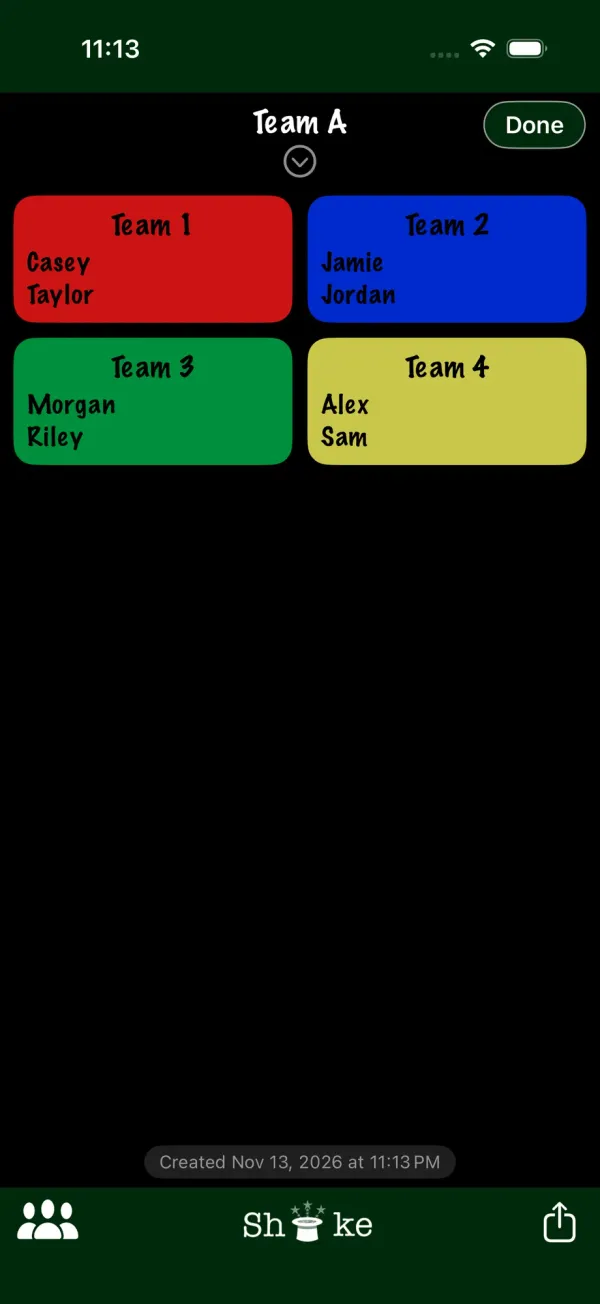
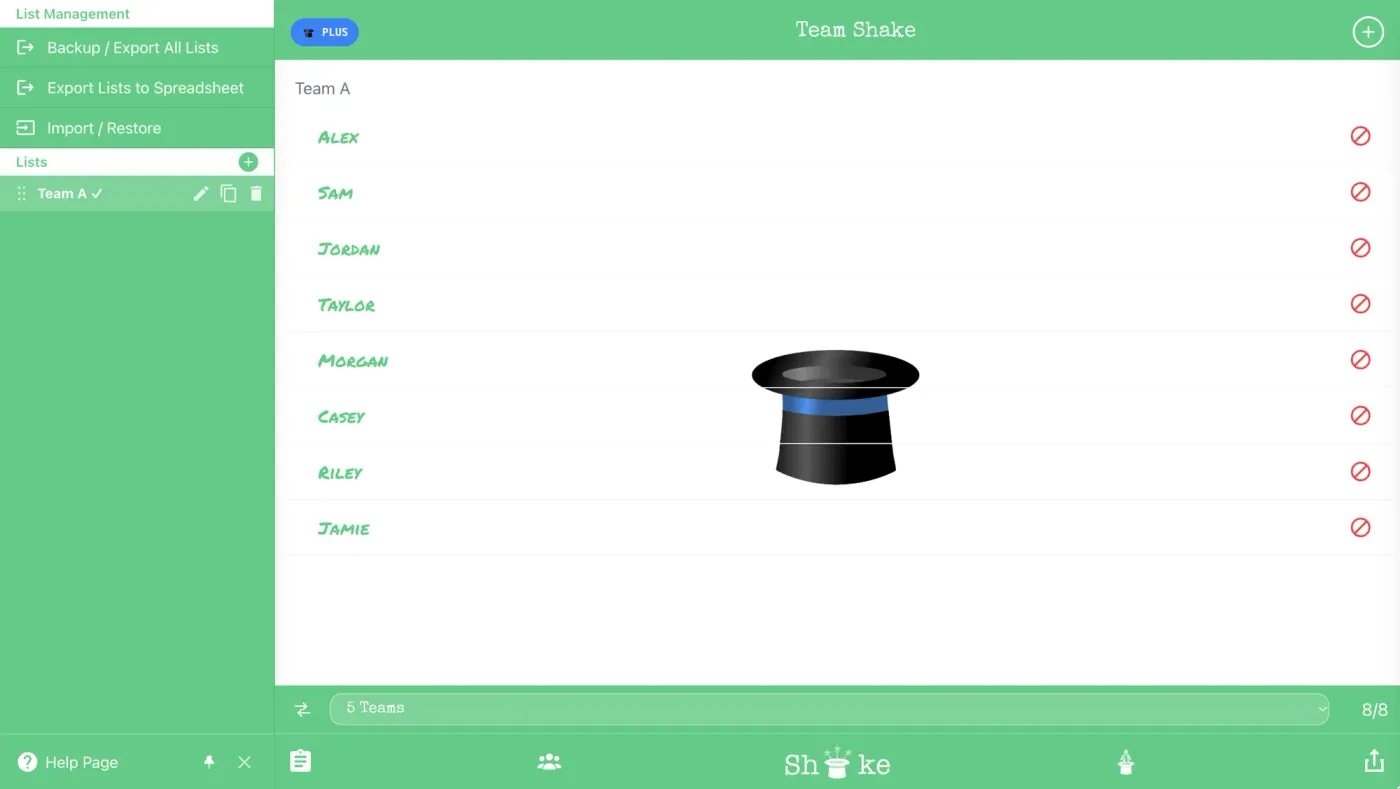
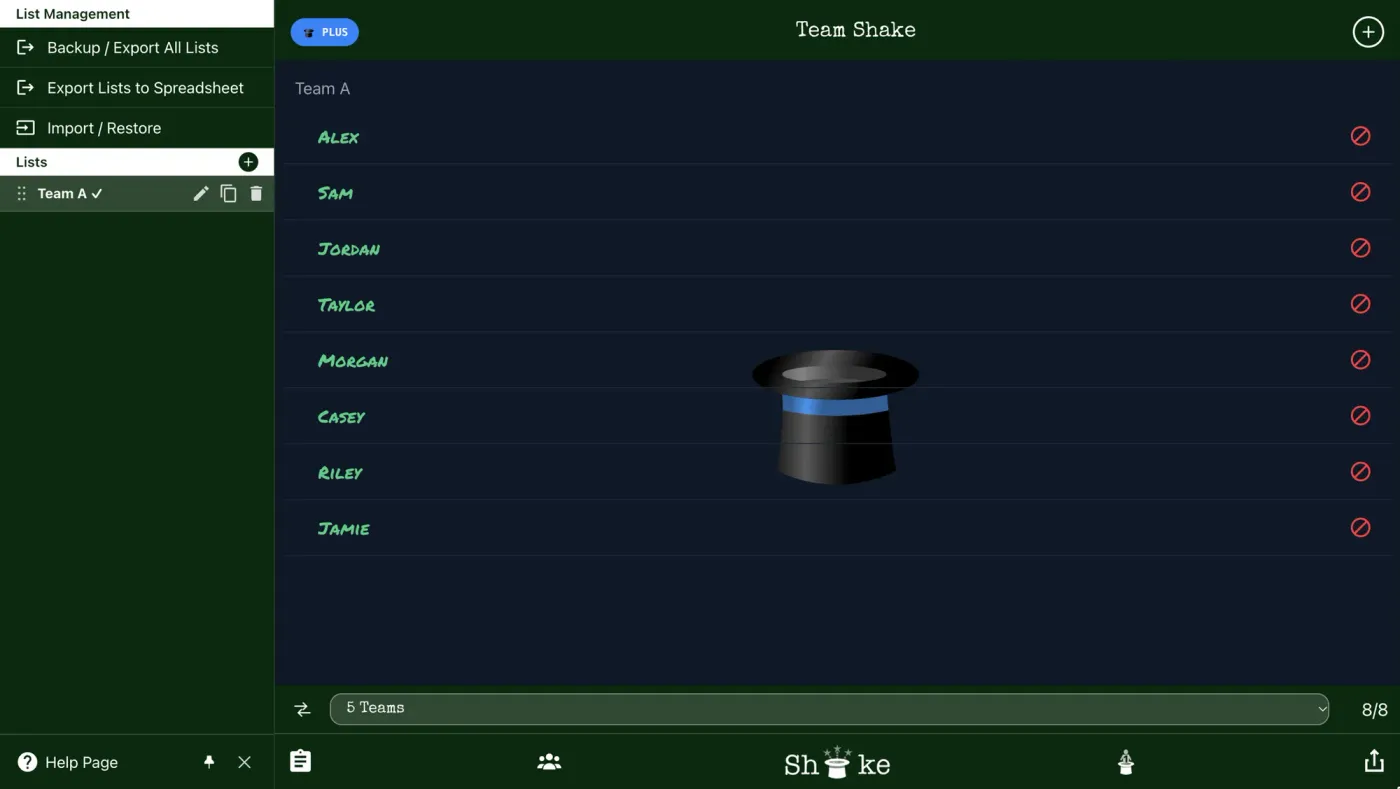
Enter your names, give it a shake, and Team Shake instantly builds random or balanced teams — no hat, no scraps of paper, no arguments. Built for board games, sporting events, tournaments, school projects, and anytime groups are required.
One Team Shake account, every device
Sign in with Apple or Google and your class lists, saved rosters, and team results follow you — start on your phone in the gym, pull them up on the web from your desk, and pick up right where you left off on Android. Sync is part of Team Shake Plus; Team Shake works right on your device without an account. How syncing works →
Shake to create teams
Random or fully balanced teams, generated in one motion — or with a button, for gentler hardware.
Import from a spreadsheet
Bring in class lists or rosters from CSV or Excel instead of typing every name by hand.
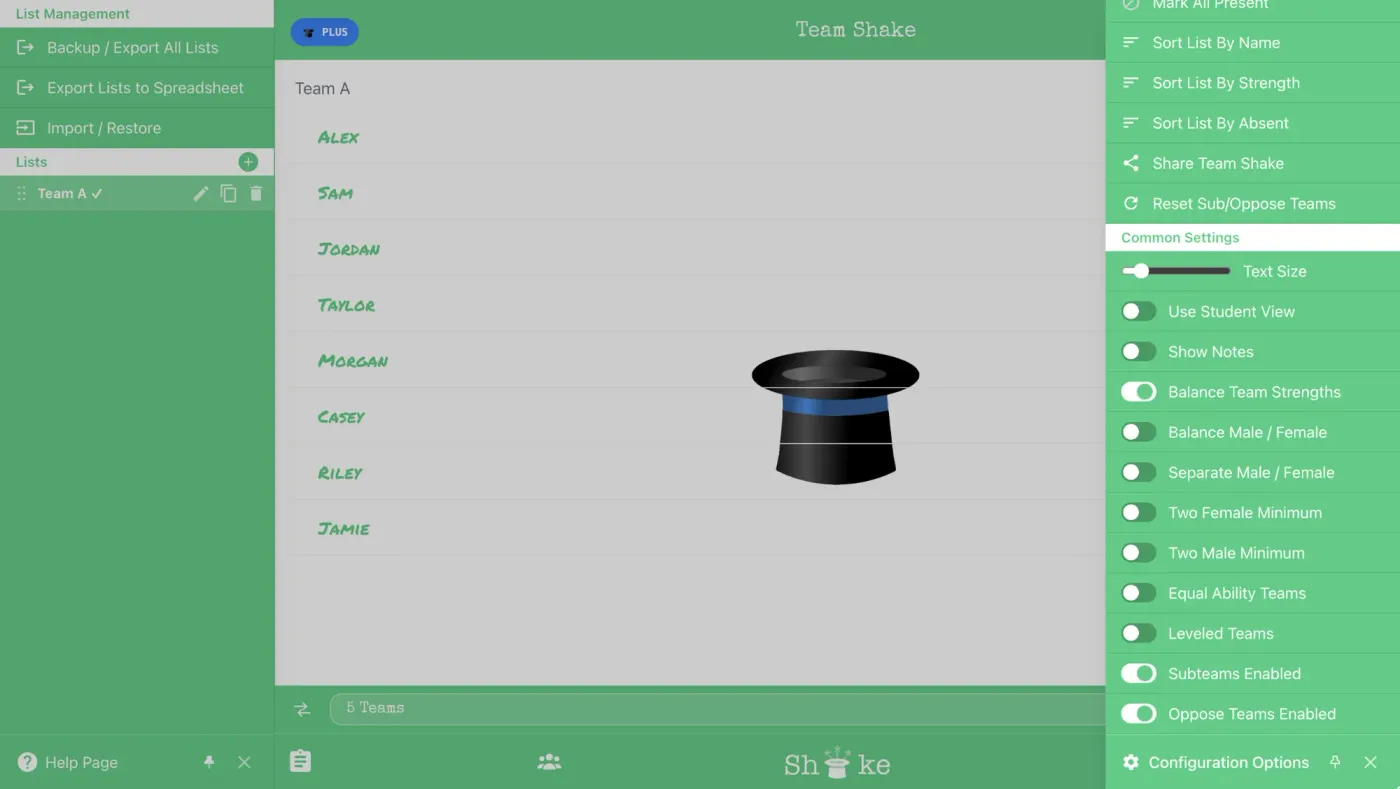
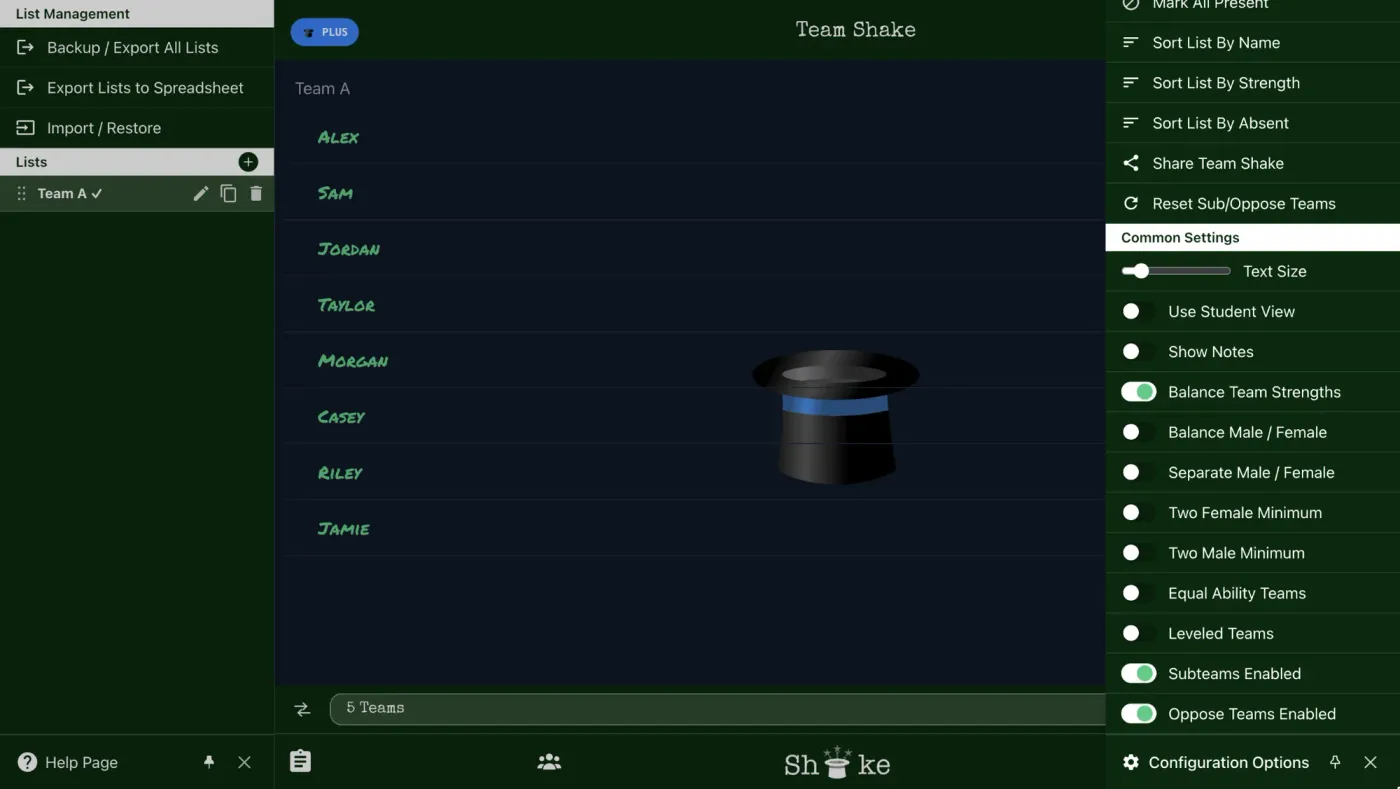
Balance by gender or skill
Keep certain people together, keep others apart, and set skill levels for genuinely even teams.
Share results instantly
Share as text or an image, export to CSV or Excel, or print — with team names, colors, and members intact.
Saved lists & history
Keep multiple class or group lists on hand, and look back at past shakes when you need them.
Synced across platforms
iOS, Android, and web all read and write the same data, so nothing gets left behind on one device.
Simple where it counts, deep where you need it
Shake a list into teams in seconds — then, when a situation calls for it, fine-tune who plays with whom. See how each screen works →
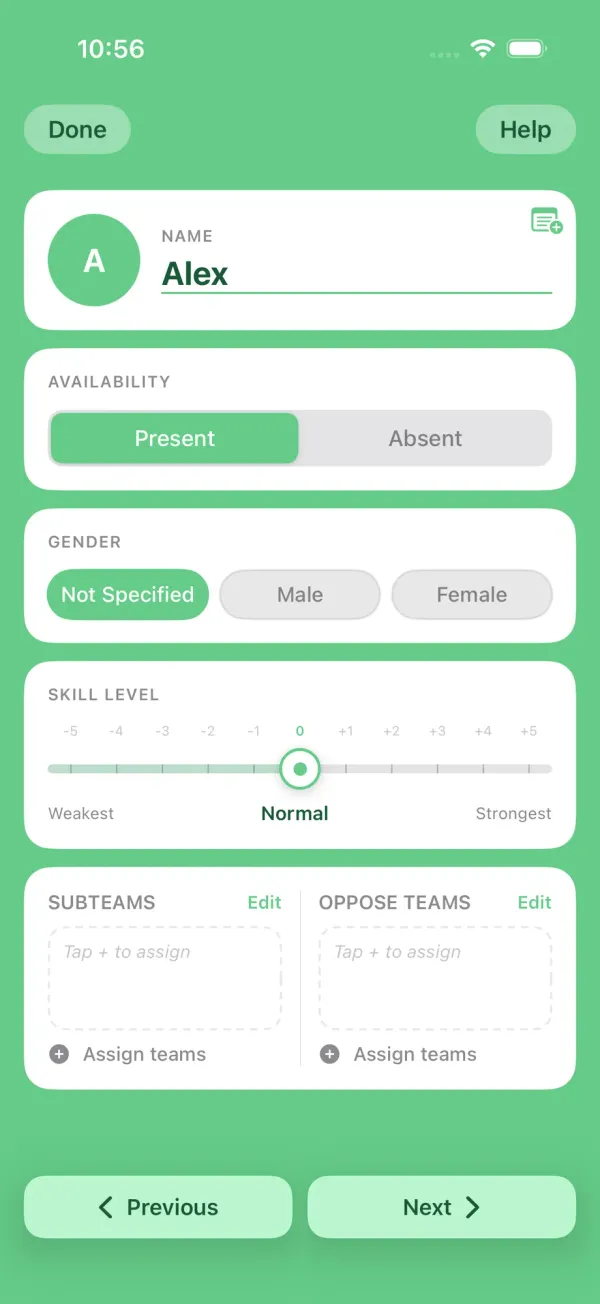
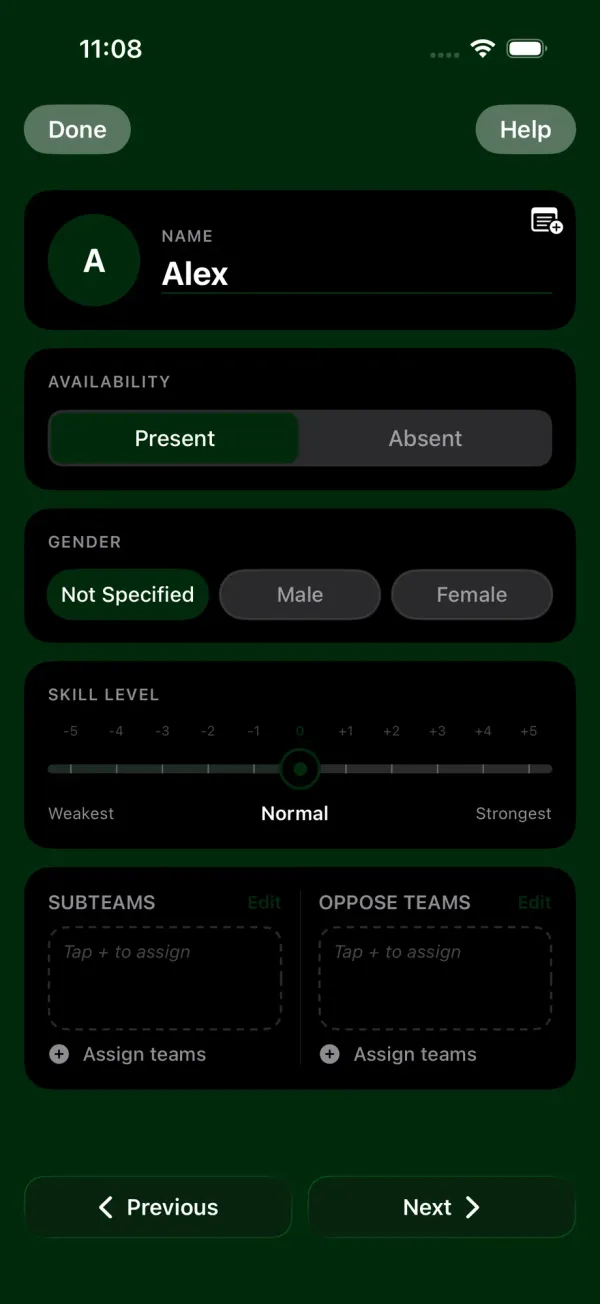
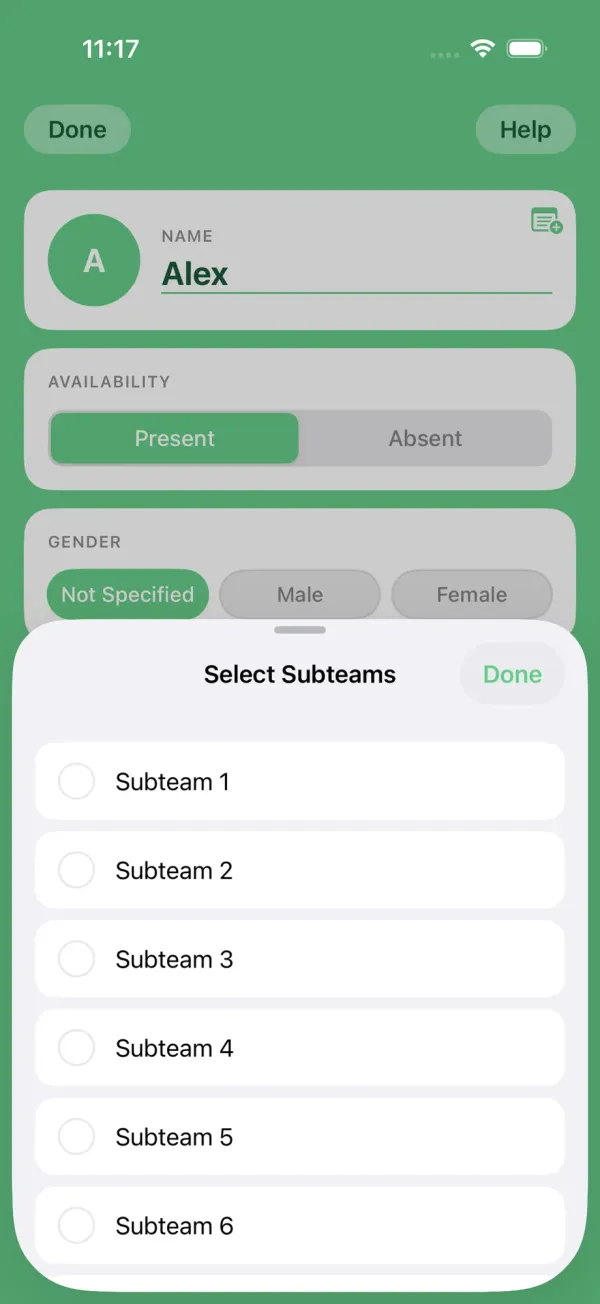
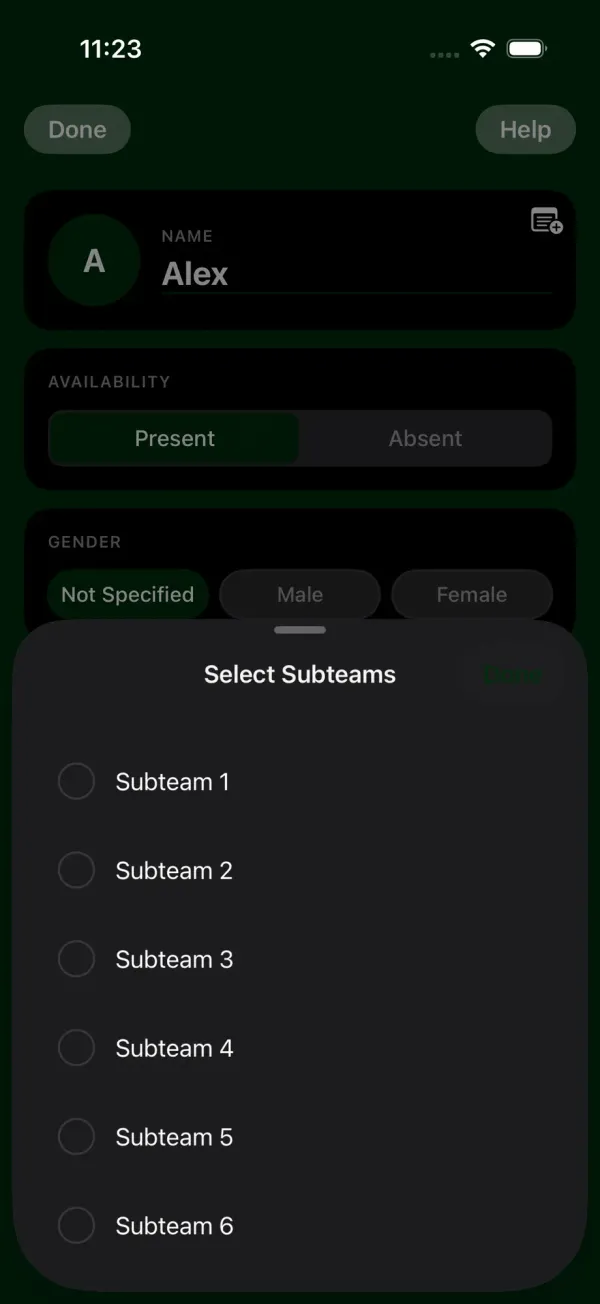
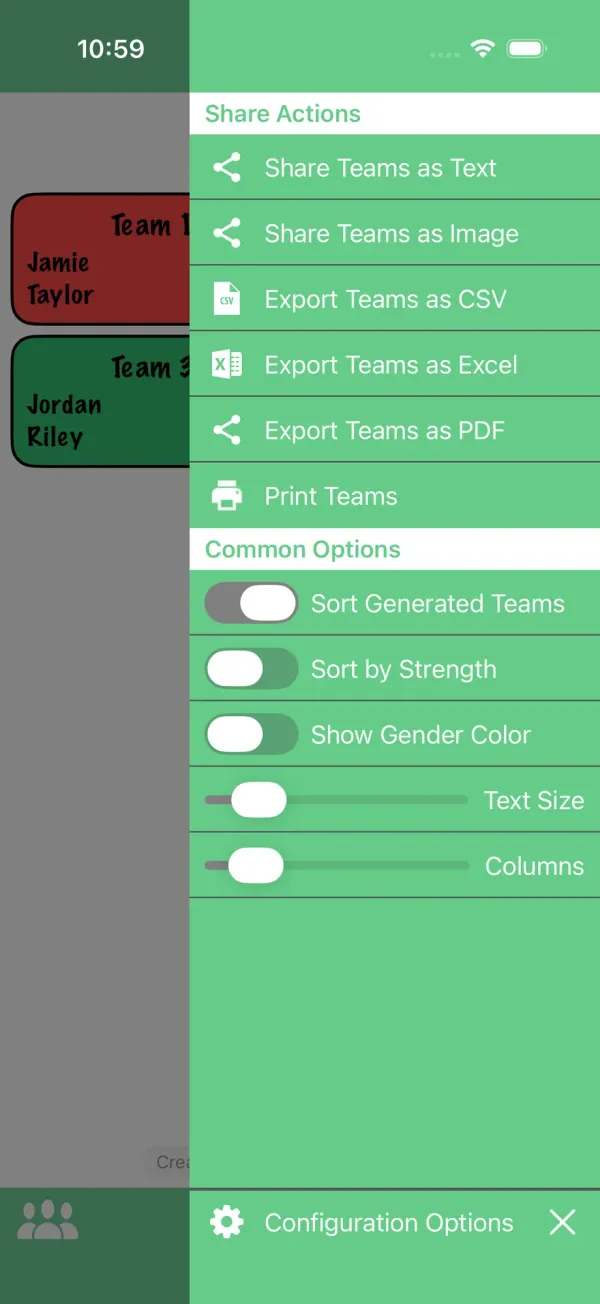
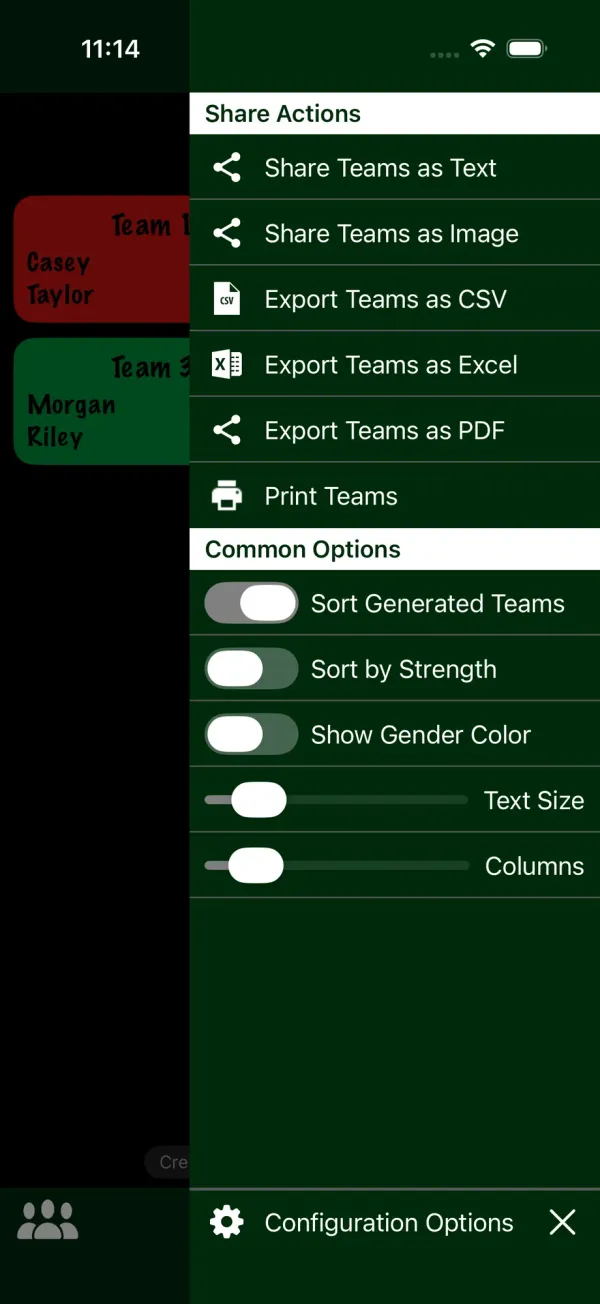
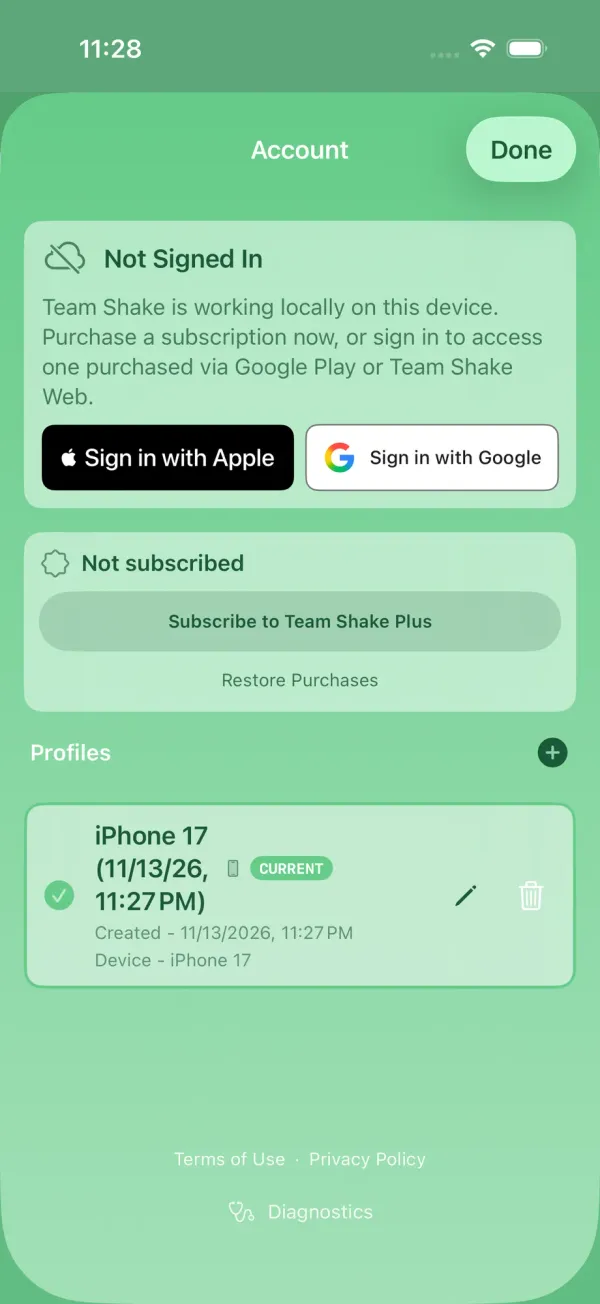
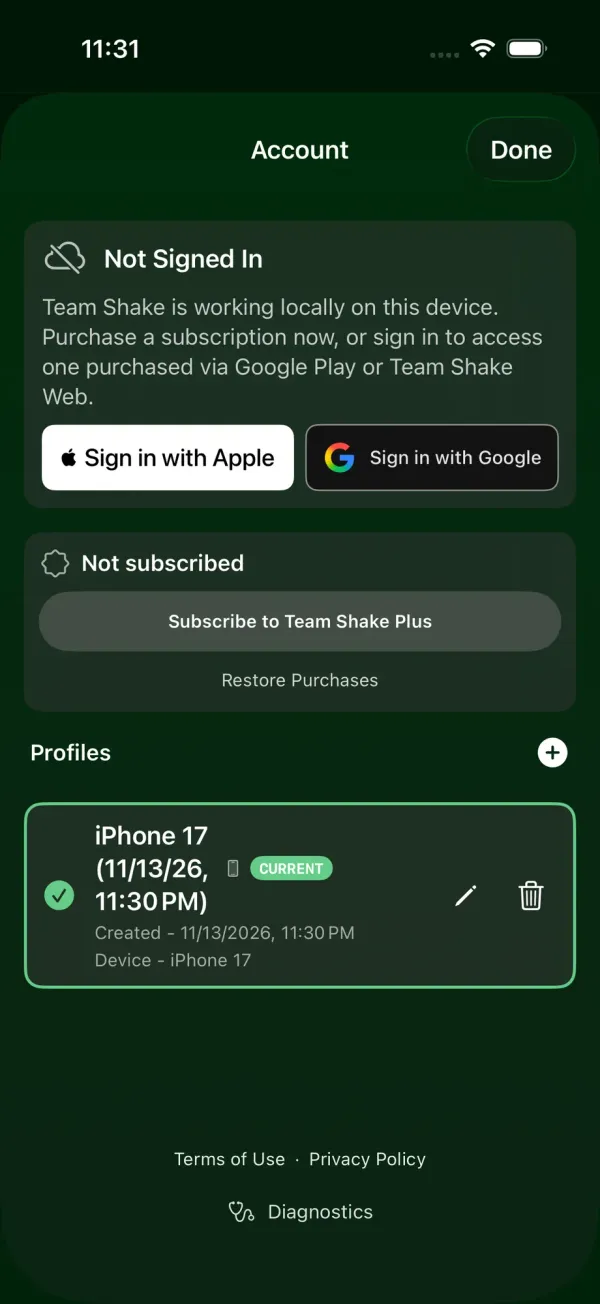
The same simple shake, on Android phones and tablets
Team Shake for Android brings the same fast, fair team picking to the devices in your classroom or gym — and with Team Shake Plus, your rosters follow you between Android, iOS, and the web.
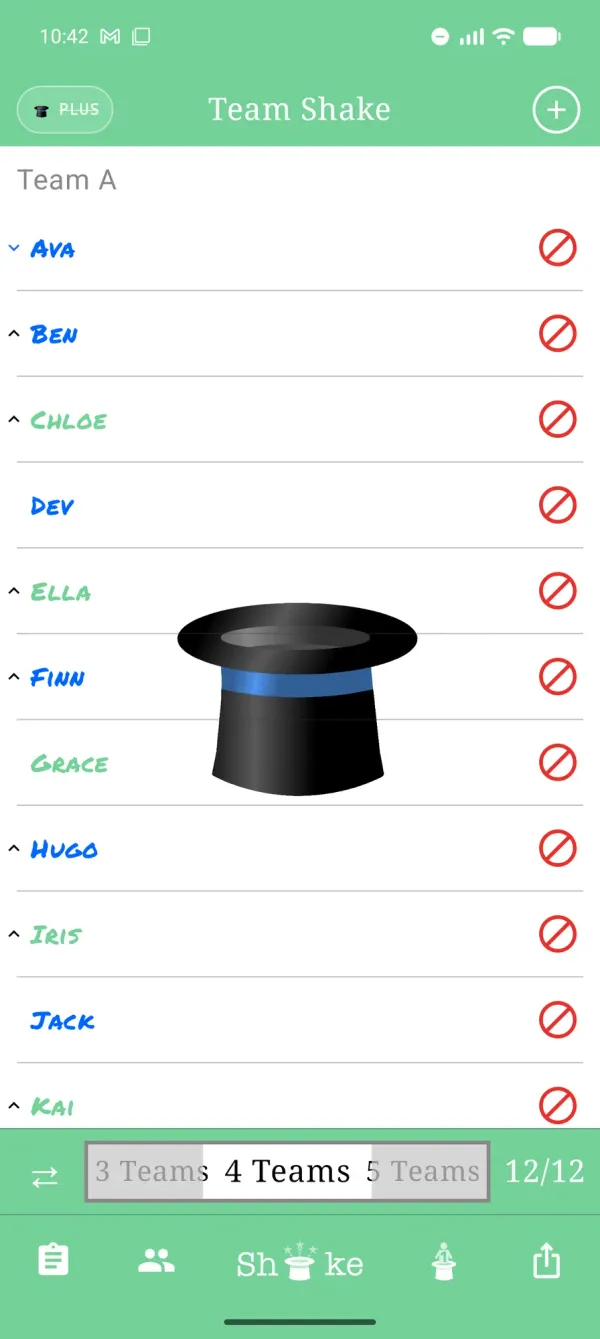
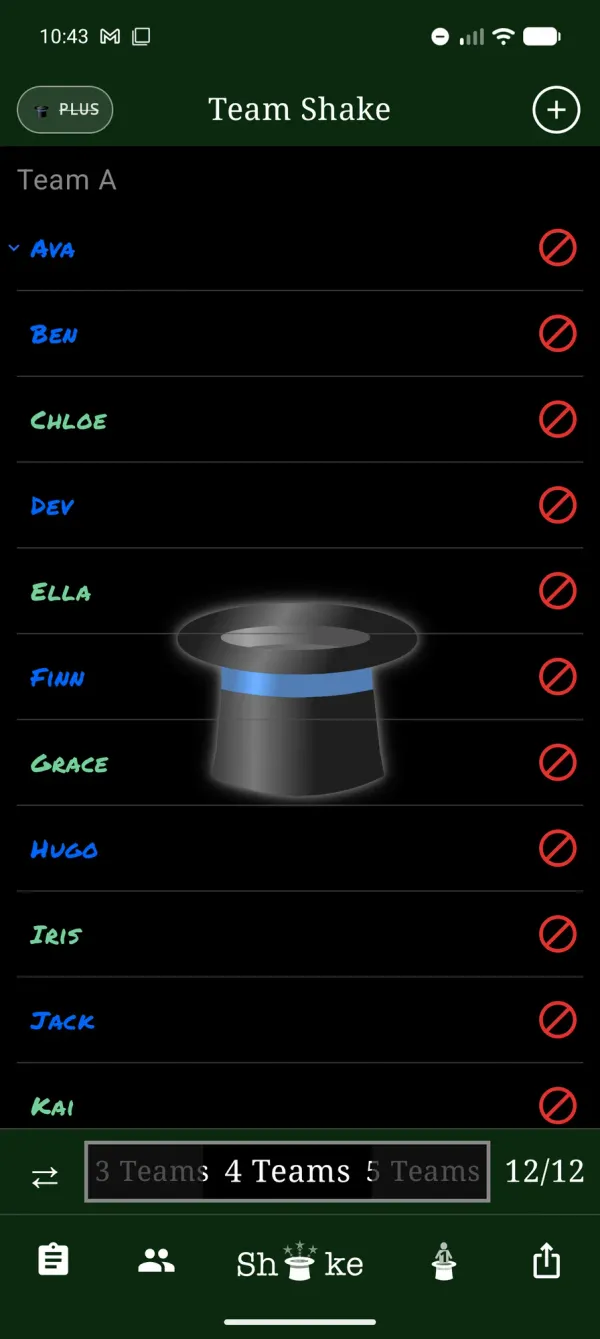
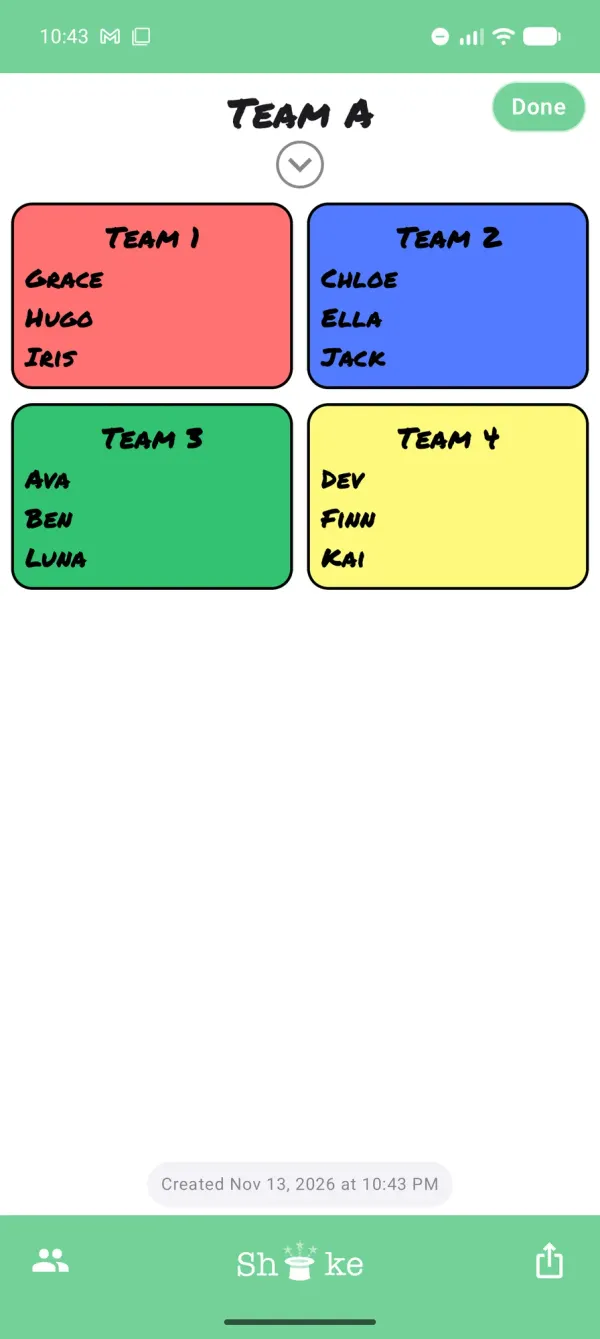
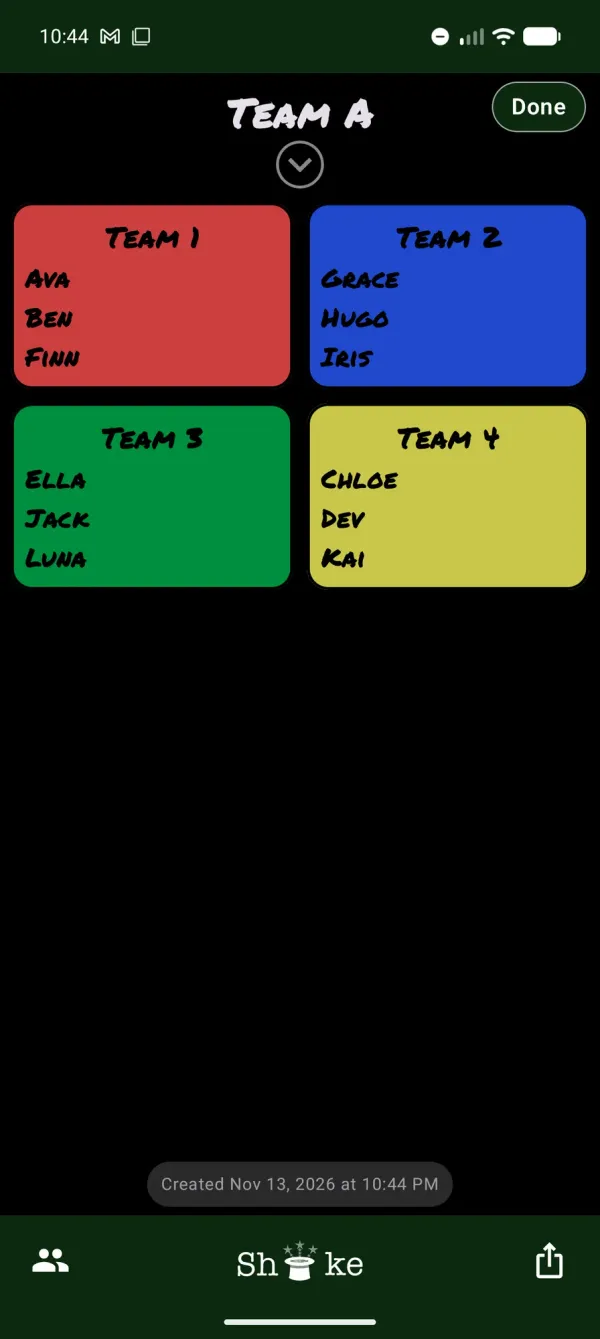
Fifty kids, four minutes, one fair way to split them up
Team Shake was built the way most useful classroom tools are: because a PE teacher needed it. Fifty or sixty students, a few minutes between bells, and a need for teams that don't cause an argument before the activity even starts. Enter the roster once, save it, and every future class period is a shake away.

From fair teams to a full competition
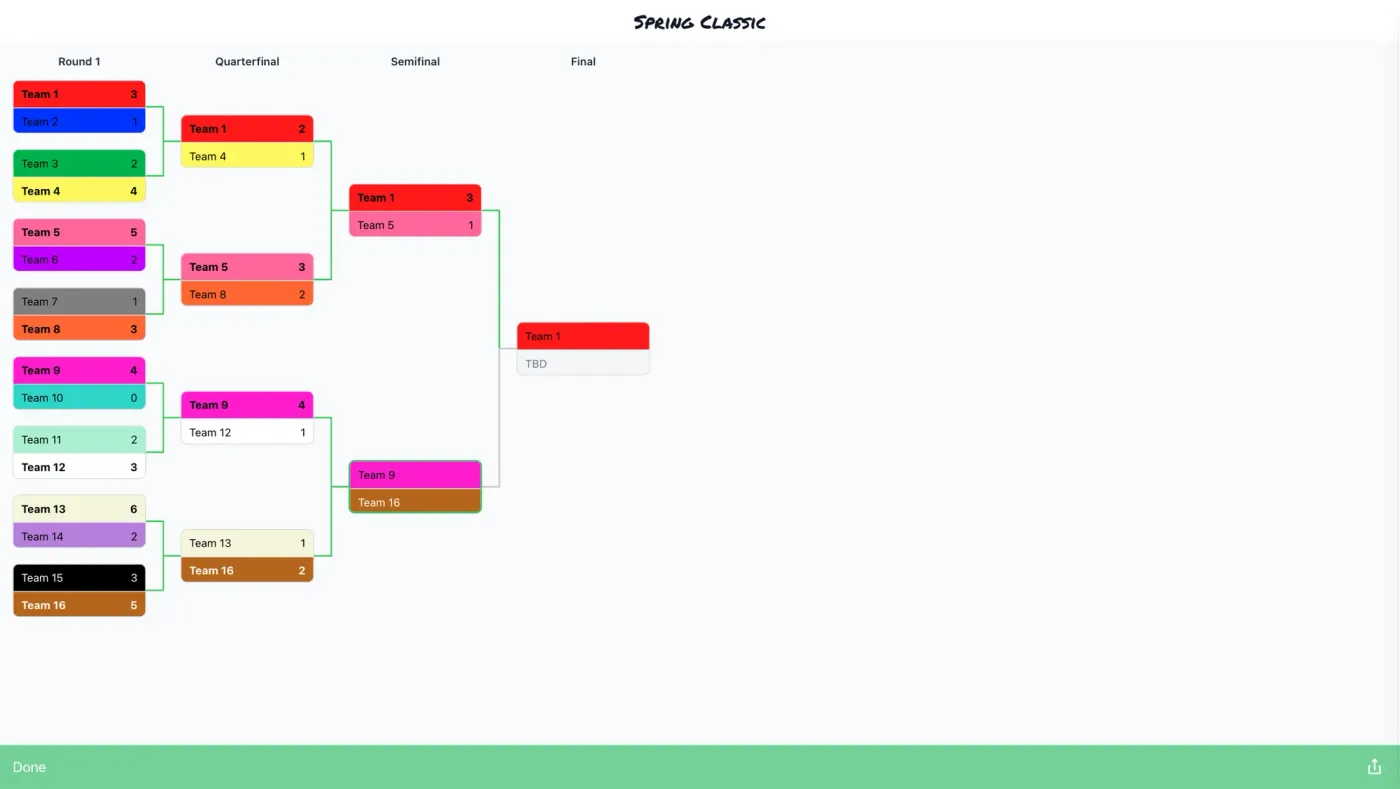
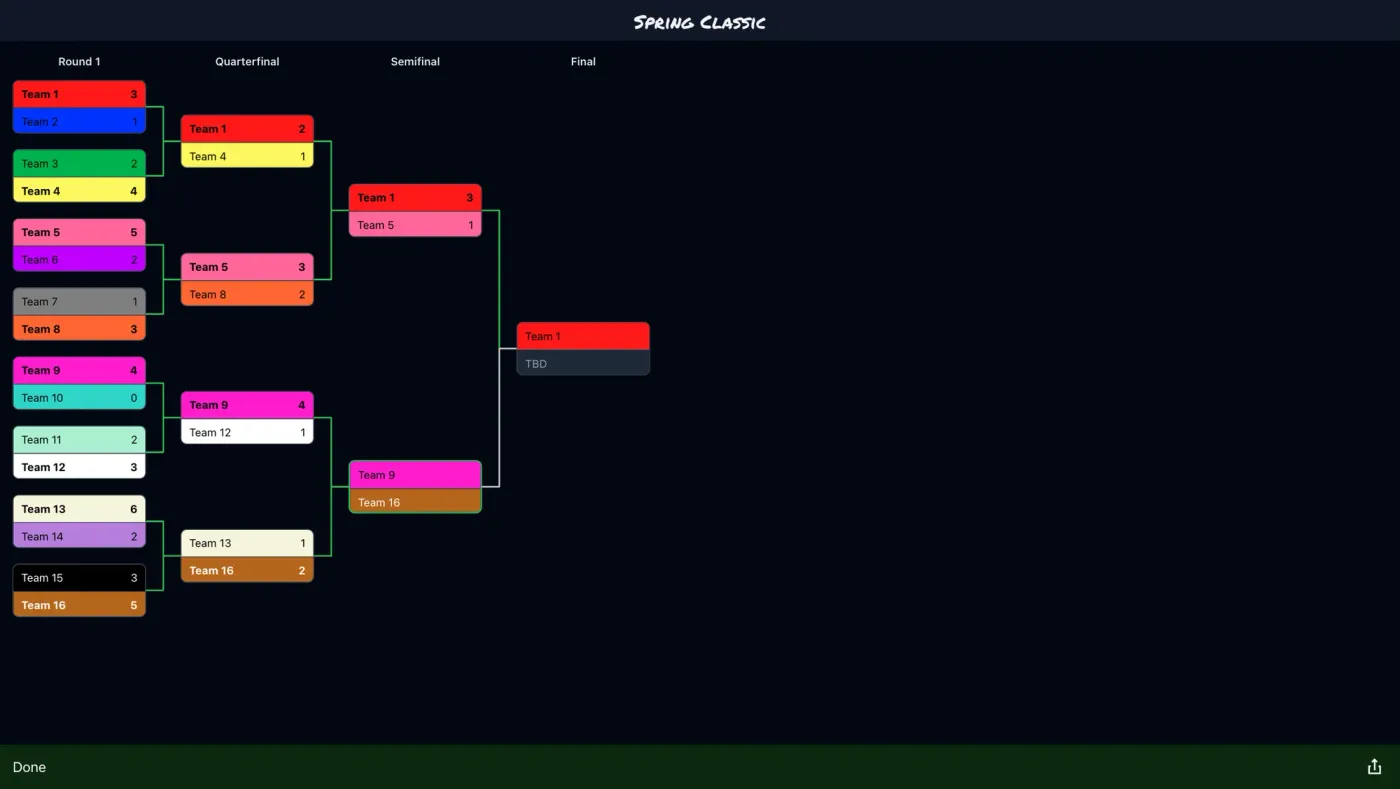
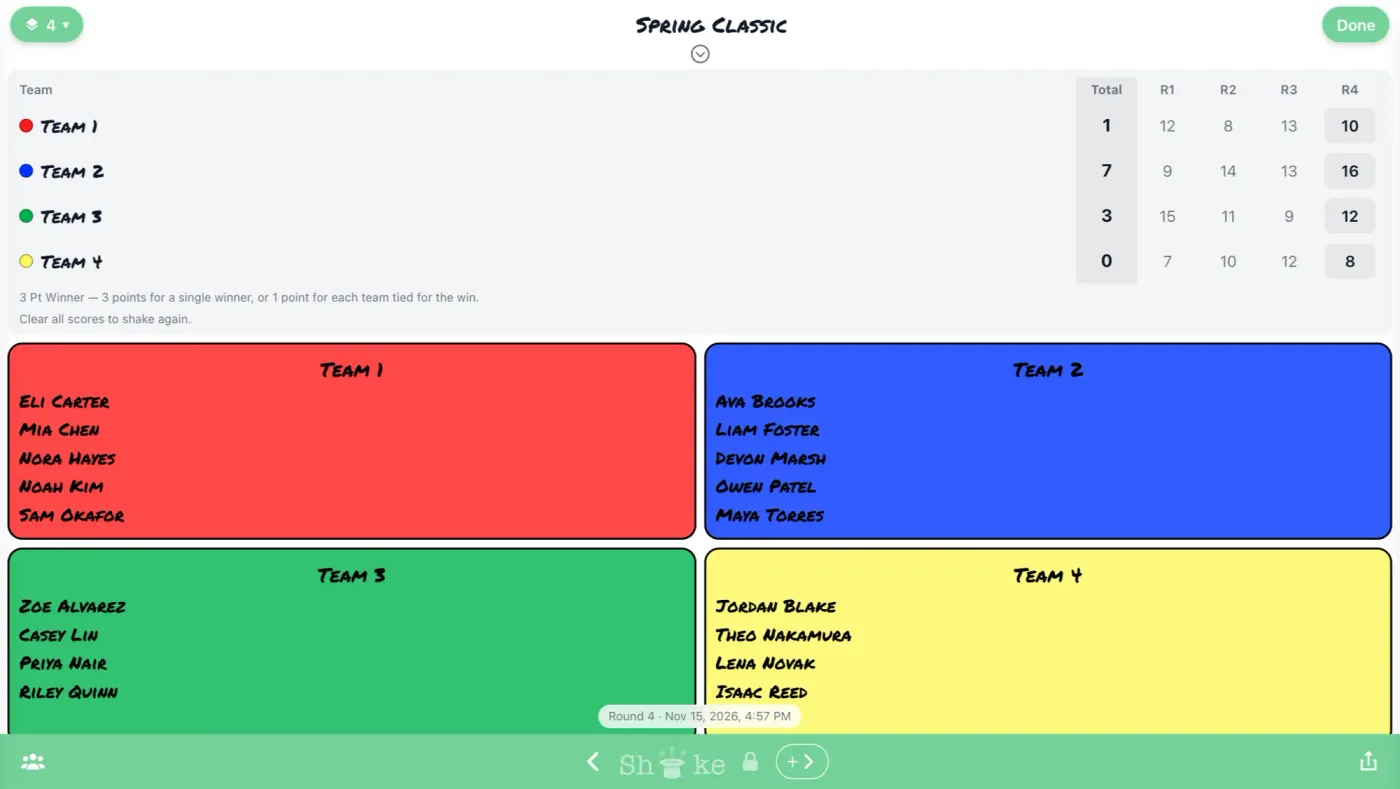
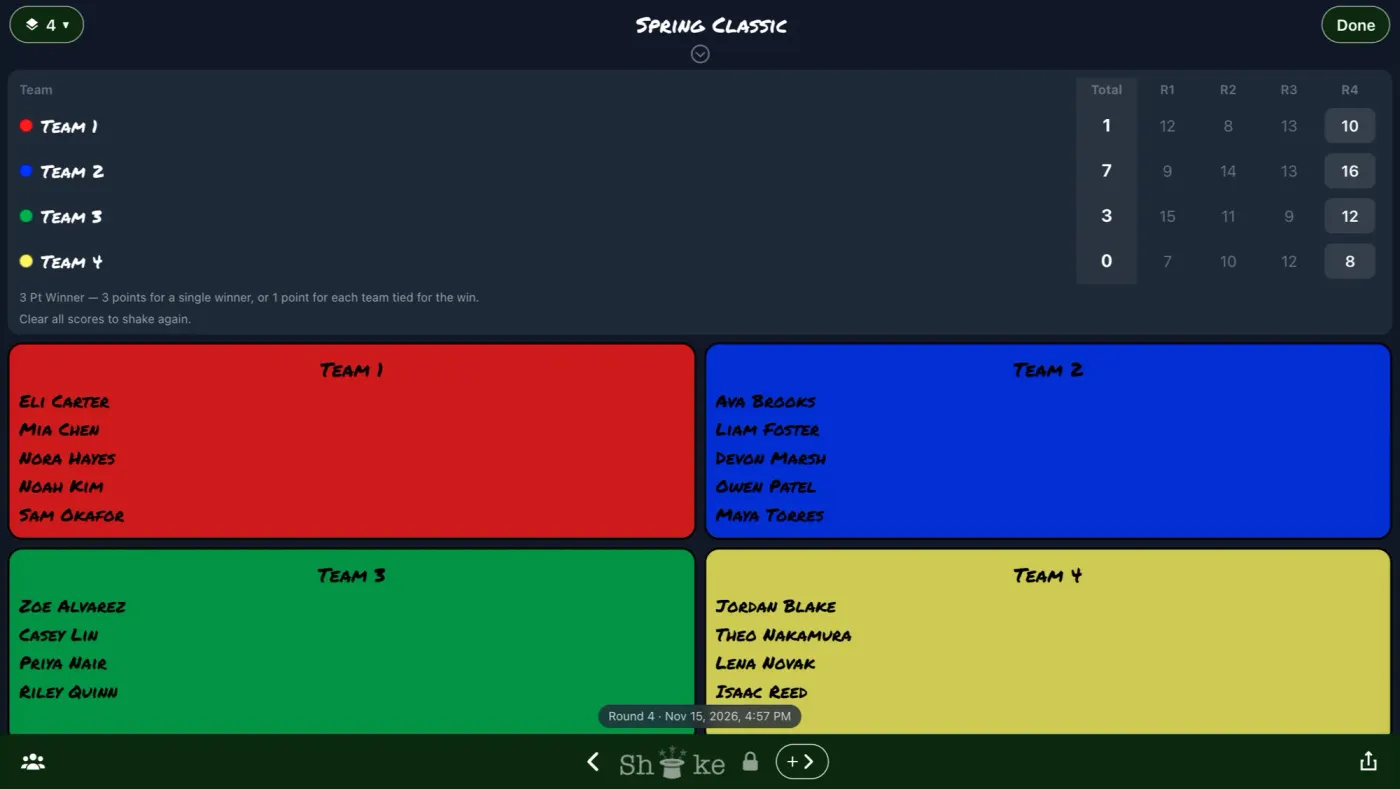
Turn the teams you just shook into a bracket, or keep score across several rounds with brand-new teams each time. Both are part of Team Shake Plus.
Brackets of any size
Single or double elimination, round robin, or a two-sided bracket. Enter scores or just pick the winner; winners advance automatically.
Scored rounds with standings
Shake new teams every round, enter each team's score, and watch the totals add up, with a point scheme you choose.
Take Team Shake beyond one phone
Everything that works on your device stays free of accounts. Plus adds the pieces that connect it all.
Team Shake Web
Manage teams, players, and history from any browser — no app required.
Synced everywhere
Your rosters and teams stay current on Apple, Android, and web.
Tournament brackets
Generate and run elimination brackets for tournaments and leagues.
More advanced tools
New features for organizing bigger leagues and events, added regularly.
Prices are shown in USD and may differ by store and region. Billing is handled by Apple, Google, or on the web, and you can manage or cancel anytime in your store's subscription settings. Already subscribed on another platform? Sign in with Apple or Google to unlock Plus everywhere — no need to buy again. Subscription details
Teachers and coaches, not just app reviews
“This is a great app that saves time and minimizes arguments in my classroom. I use this app to
quickly divide my class of 50-60 students into groups or teams.”
— PE Helper
“I was introduced to this app by our gym teacher. It has been a life saver. The ease of creating
groups that are multi-ability is worth every minute.”
— KroyBe
“This app has been one of my favorite apps this school year. I love that I can create groups and
text or email them to myself or my co-teachers!”
— Reni’s reviews Learn Team Shake at your own pace
Step-by-step guides with screenshots for every platform. Start with the basics, or jump straight to the feature you need.